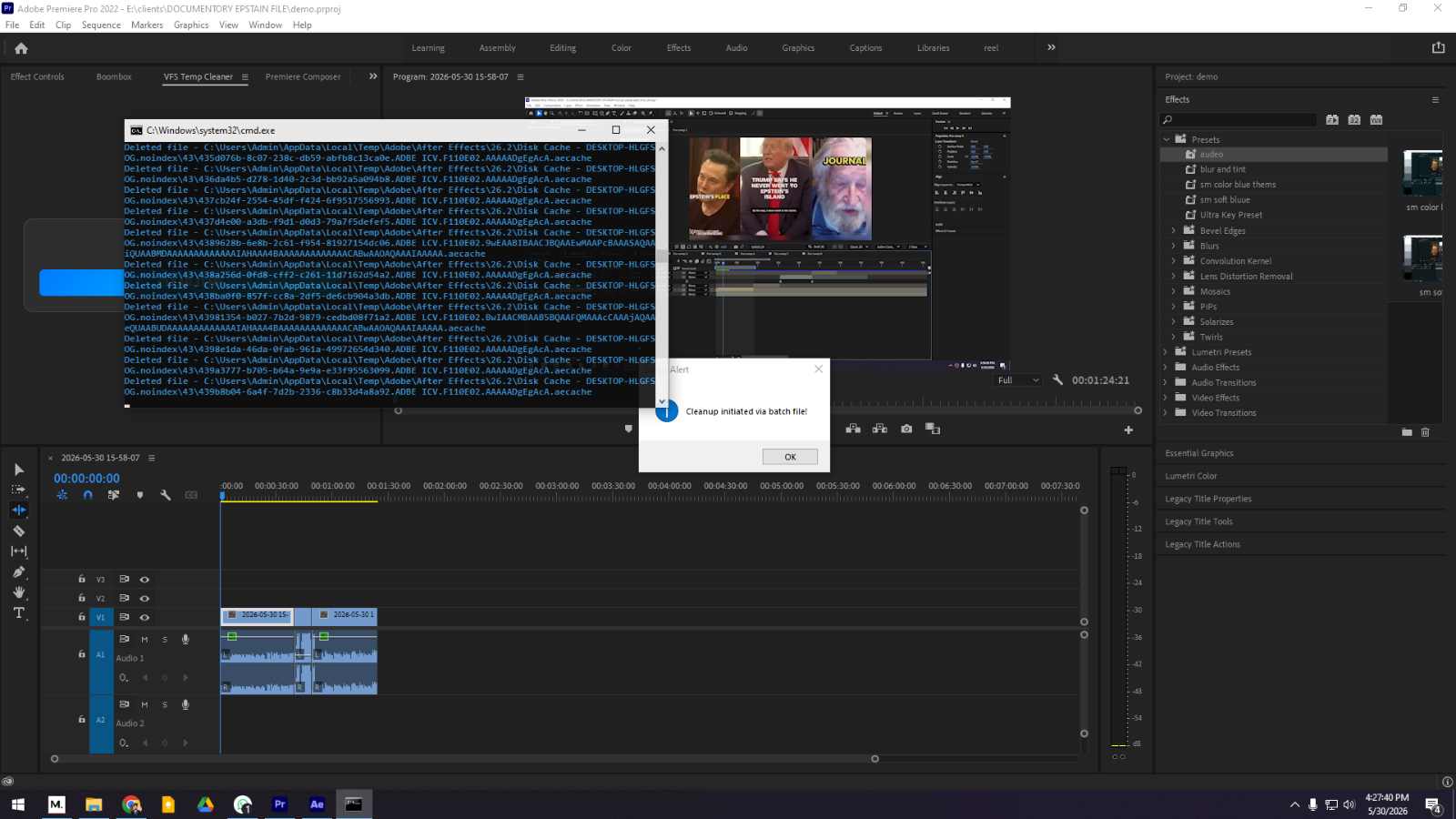
Delete Premiere Pro Temp Files: With one click
Clean up Adobe Premiere Pro's temporary files with one click using our extension to speed up your PC and increase performance.
Copy
C:\Program Files (x86)\Common Files\Adobe\CEP\extensions\
How to Install
1. Extract the zip file to C:\Program Files (x86)\Common Files\Adobe\CEP\extensions\.
2. Copy the file located inside the extracted folder.
3. Paste the copied file into C:\Program Files (x86)\Common Files\Adobe\CEP\extensions\.
*If the file path differs, please use your AI to assist.*
*For any issues, please contact our customer service at 01949085128.*
Screenshots & Video